
How to play Empires & Allies: a getting started guide
This guide takes you from creating your account to your first battles. It is written for the browser edition of Empires & Allies, which is in beta.
BetaWe are still in development: bugs may appear.
Before you start
- The game is free and runs in your browser, with no Flash and nothing to install.
- A computer (PC or laptop) with a mouse and a big screen is recommended. On a phone or tablet it can be slow or awkward to use.
- Your game is saved to your account: you can sign in from another computer with your username or email.
First steps
-
Create your commander account
On the front page press "Create my island". Pick a commander name (3 to 20 letters, numbers or underscore), a name for your island, an email address and a password of at least 8 characters. When you finish you go straight to your island.
-
Follow the tutorial
The first time, the game shows you your ruined island and tells you what to do: clear land, put up your first buildings and complete the first goals. Take your time: completing goals gives you rewards.
-
Build
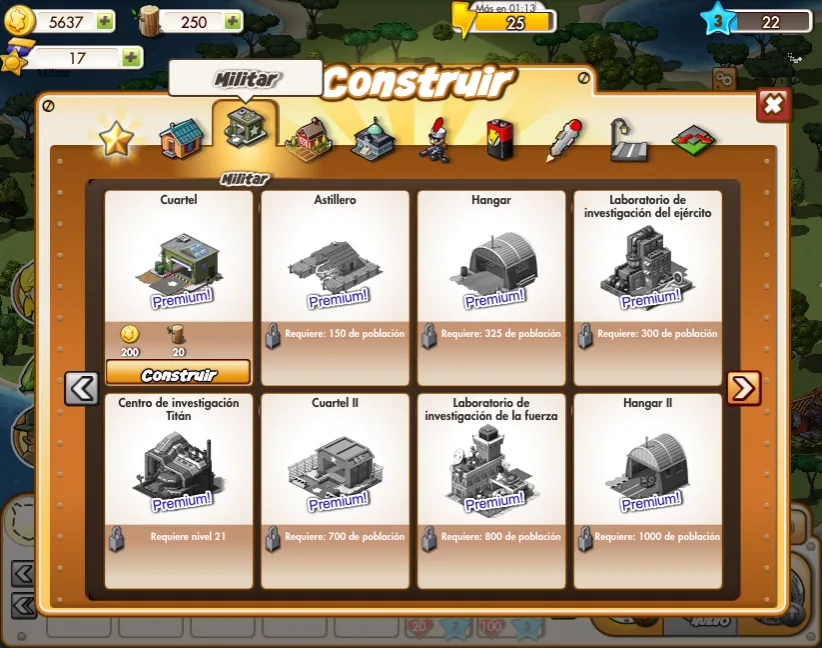
Open the build menu (the hammer icon, bottom right) and choose from houses, military, industry and government buildings, decorations and expansions. Every building costs resources and may require a minimum level. Many constructions are finished by clicking on them several times and spend energy.
-
Collect resources
Some buildings produce resources over time: when they have something ready, you collect it by clicking on them. Keep an eye on the energy bar, the lightning bolt at the top: many actions spend it and it recovers as time passes.
-
Train troops
Land, sea and air units are trained in different buildings. Each unit costs resources and takes a while to be ready. The more varied and numerous your army, the further you will get in the campaign.
-
Defend and advance
Level up to unlock new buildings and units, complete missions and take on the campaign battles to earn rewards. Keep your army and defenses up to date to protect your island from enemies.
The game on screen
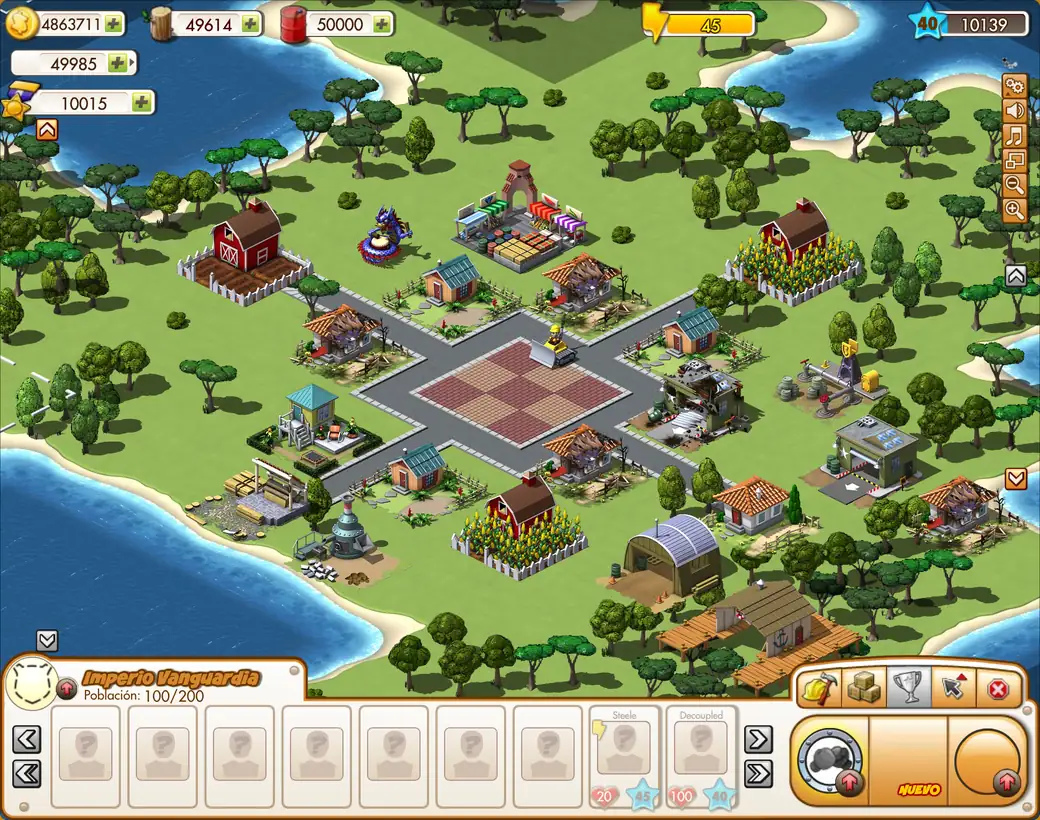
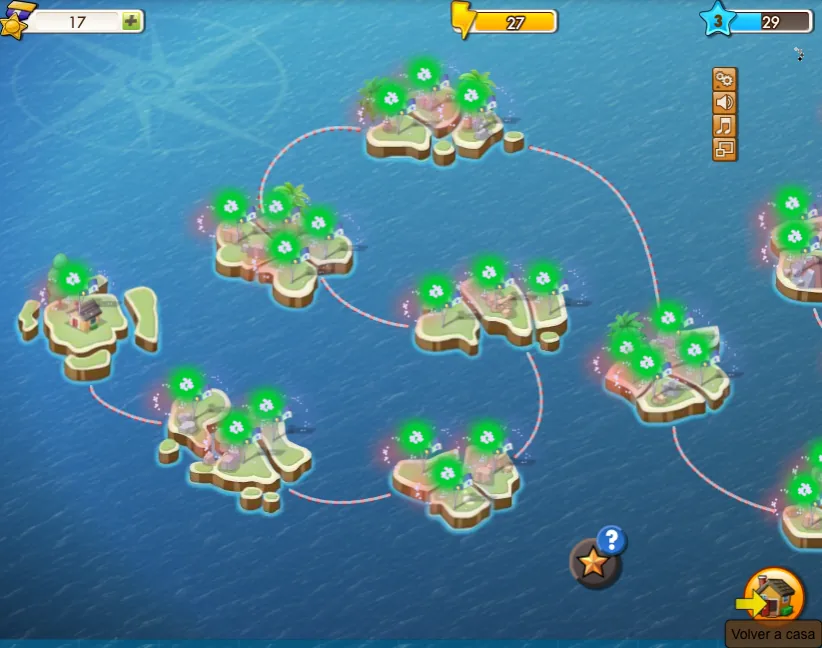
Game screenshots as you will see them. These captures show the Spanish interface; the game also plays in English.
Your island's resources
The top bar of the game always shows your resources:
-
 Coins The basic currency: used to build, upgrade and train.
 -
 Wood Building material for many structures.
 -
 Oil Fuel for vehicles and machines.
 -
 Ore Metal needed for many buildings and units.
 -
 Energy Spent on many actions and recovers on its own over time.
 -
 Empire Points The game's special currency, used to speed things up and get items.
Useful tips
- Below the game you will find the fullscreen and reload buttons. If something gets stuck, reload.
- The ES/EN button in the header switches the game between Spanish and English.
- Because it is a beta, bugs and changes may happen. If something fails, reload the page.
Frequently asked questions
Is Empires & Allies free?
Yes. Creating an account and playing is free.
Does it work without Flash or installing anything?
Yes. You play directly in your browser, with no Flash and nothing to install.
Can I play on my phone?
This edition is designed for PC. On a phone or tablet it can be slow or awkward to use, so we recommend a computer with a mouse.
Is my progress saved?
Yes. Your game stays on the server, tied to your account, and you can carry on from another computer with your username or email.
What does it mean that it is in beta?
We are still in development: bugs may appear. If something fails, reload the page; your progress is saved to your account.
Is this the official Empires & Allies site?
No. Empires & Allies is an original game by Zynga; this is an independent browser edition by FB Games.
Which languages can I play in?
Spanish and English. You switch language with the button in the header.